How Locofy.ai Can Help You Convert Figma Designs to React and React Native Apps

In modern web and mobile development, teams often struggle to bridge the gap between design and production code. Designers create beautiful interfaces in Figma, while developers spend days manually translating those designs into React or React Native components. This handoff slows down delivery and introduces inconsistencies.

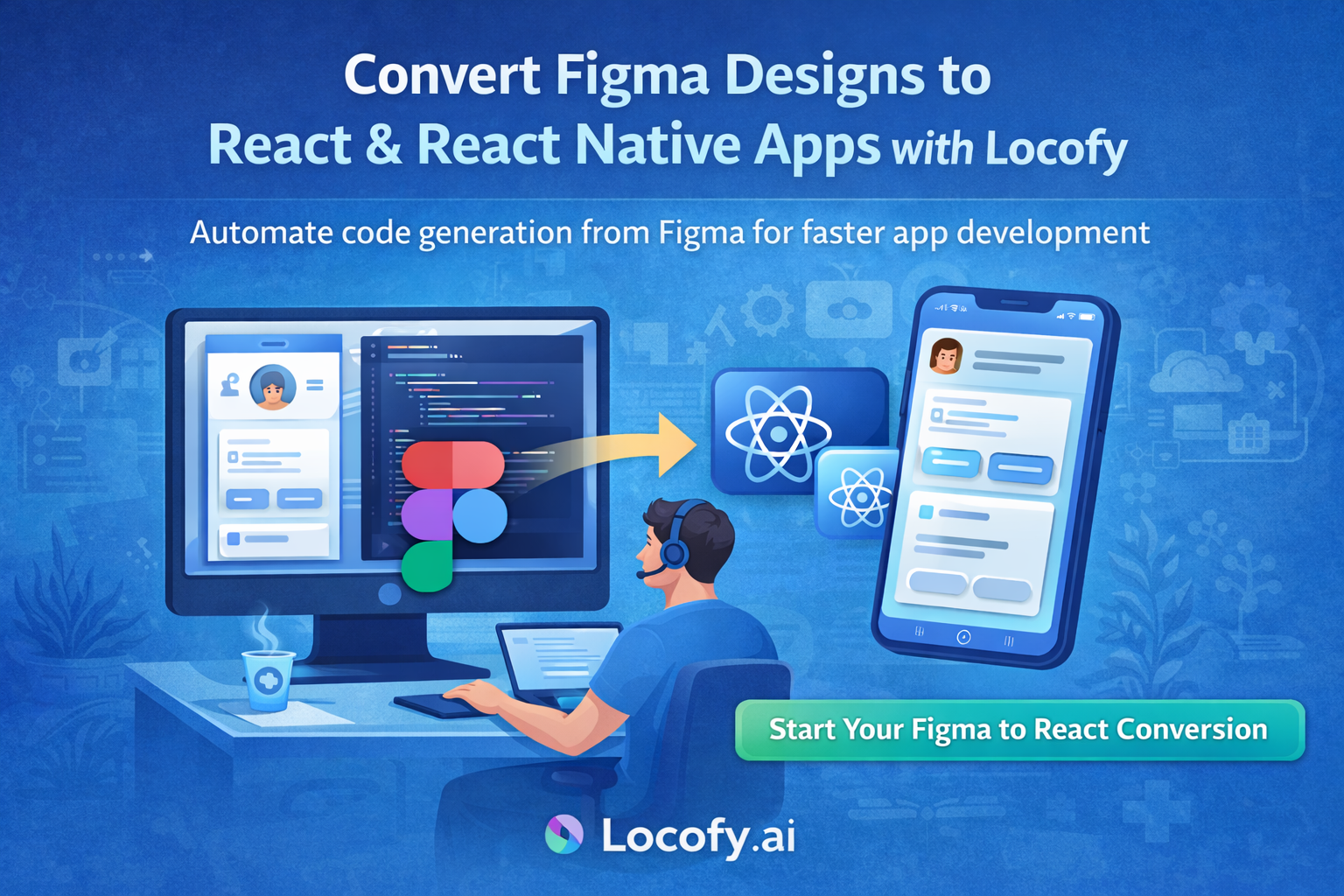
This is where Locofy.ai comes in. Locofy helps teams convert Figma designs directly into clean, production ready React and React Native code, dramatically reducing development time.

What Is Locofy.ai

Locofy.ai is an AI powered design to code platform that integrates directly with Figma. It understands layout structure, styling, responsiveness, and interactions, and converts designs into developer friendly frontend code.

With Locofy, designers and developers can collaborate more efficiently by turning UI designs into real components instead of static mockups.

rom Figma Design to React or React Native Code

Step 1 Prepare Your Figma Design

Design your screens in Figma using best practices. Use auto layout, consistent spacing, reusable components, and clear layer names. Clean design structure leads to cleaner generated code.

Locofy analyzes your design hierarchy and maps elements to proper components.

Step 2 Use the Locofy Plugin in Figma

Install the Locofy plugin inside Figma and connect it to your Locofy account. Select the frames you want to convert and open the plugin.

From here, you can configure how elements behave such as buttons, text inputs, navigation links, and reusable components.

Step 3 Convert and Preview Code Instantly

Once configured, Locofy converts your Figma designs into live React or React Native code. You can preview the UI in real time and interact with it before exporting.

This allows teams to validate layouts, spacing, and responsiveness early.

Step 4 Generate Clean Component Based Code

Locofy generates structured and readable code that developers can actually work with.

You get reusable React or React Native components
Props support for dynamic data
Responsive layouts matching your design
Basic interaction wiring
Scalable folder structure

Developers can easily plug in business logic, APIs, and state management.

Step 5 Export or Sync with Developer Workflow

After conversion, you can export the code or sync it directly to GitHub. Developers can pull the project into VS Code and continue development just like a normal React or React Native app.

This removes friction between design and engineering teams.

Why Locofy Is Powerful for React and React Native Projects

Faster Development

Locofy reduces weeks of UI development into hours. Teams can focus more on features, logic, and performance instead of repetitive UI coding.

Design and Code Stay in Sync

Whenever the design changes in Figma, you can regenerate updated code. This keeps design and development aligned throughout the project lifecycle.

Production Friendly Code

Unlike basic UI exporters, Locofy generates component based code that is readable, maintainable, and scalable for real world applications.

Ideal for MVPs and Enterprise Apps

Locofy works well for startups building MVPs as well as enterprise teams building large scale React and React Native applications.

Tips to Get the Best Results from Locofy

Use auto layout consistently in Figma
Name layers and components clearly
Reuse components instead of duplicating designs
Define interactions such as buttons and inputs
Keep spacing and typography consistent

Following these practices improves code quality and reduces manual cleanup.

Final Thoughts

Locofy.ai bridges the long standing gap between design and development. By converting Figma designs directly into React and React Native code, it helps teams build faster, reduce errors, and maintain design accuracy.

If your team wants to ship products faster without sacrificing UI quality, Locofy is a powerful addition to your workflow.

Get Your Figma Design Converted to React

Step-by-Step Guide to Developing an AI Voice Agent for Hiring in Healthcare Using Omni Dimension

Healthcare hiring is under constant pressure. Hospitals, clinics, and home-care providers receive hundreds of applications but struggle with screening, follow-ups, and scheduling. An AI voice agent can automate the first hiring layer while staying compliant and human-friendly.

This guide walks you step by step through building an AI voice hiring agent for healthcare using Omni Dimension.

Why Use an AI Voice Agent for Healthcare Hiring

Healthcare recruitment has unique challenges
• High applicant volume
• Urgent staffing needs
• Compliance and documentation requirements
• Time-consuming phone screening

An AI voice agent can
• Call candidates automatically
• Ask structured screening questions
• Validate certifications and availability
• Schedule interviews
• Reduce recruiter workload by 60–80%

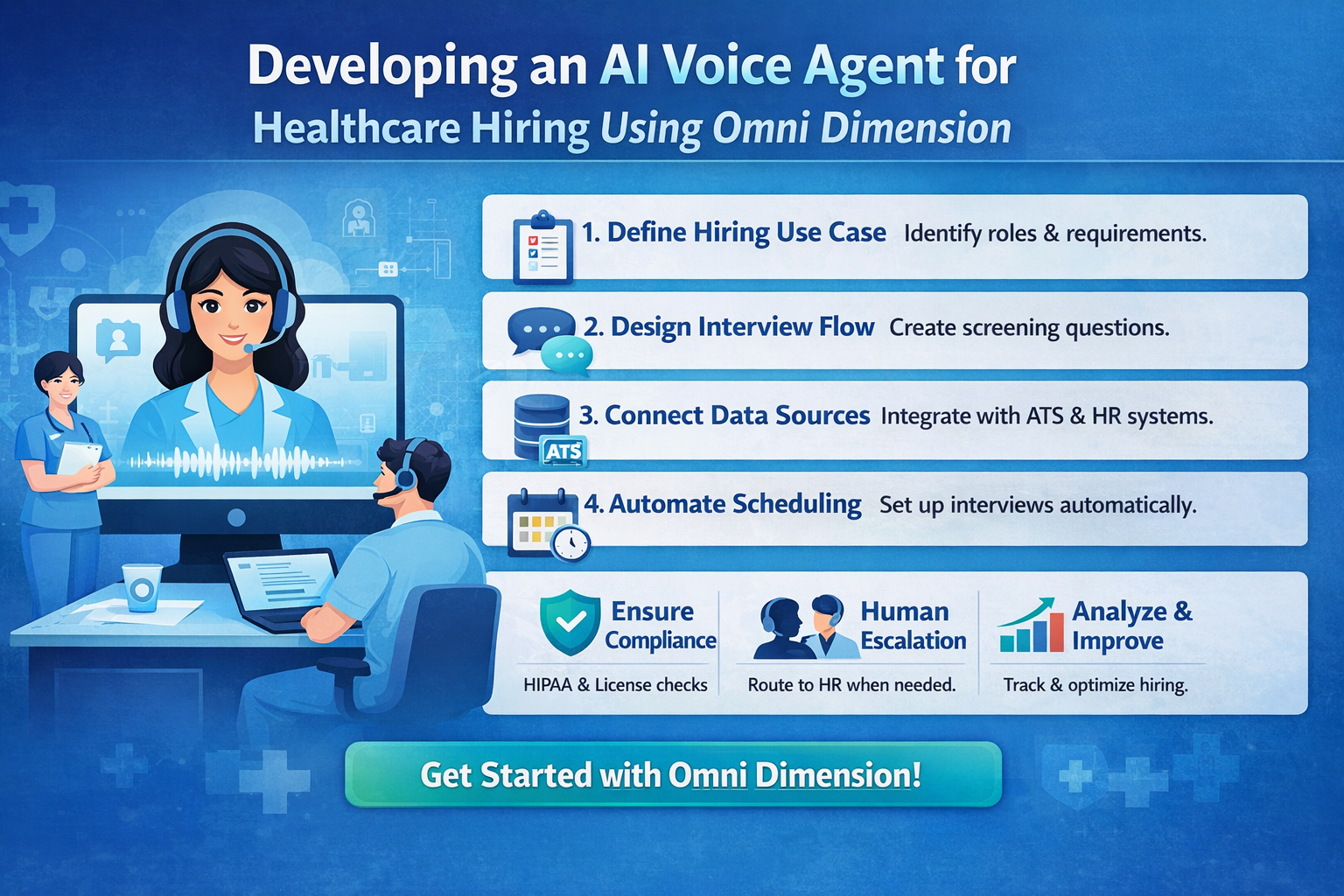
Step 1: Define the Hiring Use Case Clearly

Before building anything, define the exact role and workflow.

Examples
• Home care nurse screening
• Medical assistant hiring
• Caregiver onboarding
• Call-center staff for hospitals

Key questions
• What role is being hired
• What qualifications are mandatory
• What disqualifies a candidate
• When should a human recruiter step in

Clear rules = better AI decisions.

Step 2: Design the Voice Interview Flow

Create a structured but natural conversation.

Typical healthcare screening flow

  1. Greeting and consent
  2. Role confirmation
  3. Experience verification
  4. Certification or license check
  5. Shift and location availability
  6. Salary expectations
  7. Next-step confirmation

Keep questions short, polite, and compliant.

Step 3: Set Up Omni Dimension Voice Agent

Using Omni Dimension, you can configure a voice agent without heavy ML training.

Core setup
• Choose voice tone (professional, calm)
• Select language or accent
• Define call triggers (new application, follow-up)
• Configure call timing and retries

Omni Dimension handles speech recognition and voice synthesis automatically.

Step 4: Connect Hiring Data Sources

Integrate your AI voice agent with your recruitment system.

Common integrations
• Applicant Tracking System (ATS)
• Google Sheets or CRM
• Job portals
• Internal HR dashboard

Data passed to the agent
• Candidate name
• Applied role
• Phone number
• Location
• Required certifications

This ensures personalized calls instead of robotic ones.

Step 5: Add Healthcare-Specific Compliance Logic

Healthcare hiring must follow strict rules.

Important checks
• License number confirmation
• Work eligibility questions
• HIPAA-safe language (no patient data)
• Consent recording

Omni Dimension allows rule-based logic to escalate calls if compliance risks appear.

Step 6: Enable Interview Scheduling Automation

Once the candidate qualifies, the voice agent should act.

Automation options
• Book interview slots automatically
• Sync with recruiter calendars
• Send SMS or WhatsApp confirmations
• Share interview instructions

This removes back-and-forth calls completely.

Step 7: Human Escalation and Fallback

AI should assist, not replace humans.

Escalation triggers
• Complex candidate questions
• Negotiation requests
• Compliance uncertainty
• High-priority roles

Omni Dimension can instantly route calls to HR staff when needed.

Step 8: Analytics and Continuous Improvement

Track performance to optimize hiring.

Key metrics
• Call completion rate
• Qualified candidate ratio
• Drop-off points
• Time-to-hire reduction

Refine scripts and logic weekly for better outcomes.

Step 9: Deploy and Scale Across Roles

After success with one role, scale easily.

Scale options
• Multiple job profiles
• Multi-language support
• 24/7 hiring calls
• Regional hiring campaigns

Healthcare organizations can run hundreds of interviews daily without increasing HR staff.

Final Thoughts

An AI voice hiring agent built with Omni Dimension can transform healthcare recruitment by making it faster, compliant, and scalable. Instead of replacing recruiters, it empowers them to focus on quality hires and human decision-making.

If you’re building healthcare recruitment software or modernizing HR operations, AI voice agents are no longer optional they’re a competitive advantage.

Book a Free AI Hiring Consultation

The Future of EdTech: How AI, Microlearning & Skills-First Education Are Reshaping Learning in 2026

Education is no longer confined to classrooms degrees or fixed timelines. In 2026 EdTech is shifting from learning once to learning continuously powered by AI data and learner centric design. Here is what is trending and why it matters.

🚀 1. AI Powered Personalized Learning

AI is no longer a feature it is the backbone.

Modern platforms now
Adapt content in real time based on learner behavior
Identify knowledge gaps automatically
Act as twenty four seven AI tutors

Explore AI Powered Learning Platforms

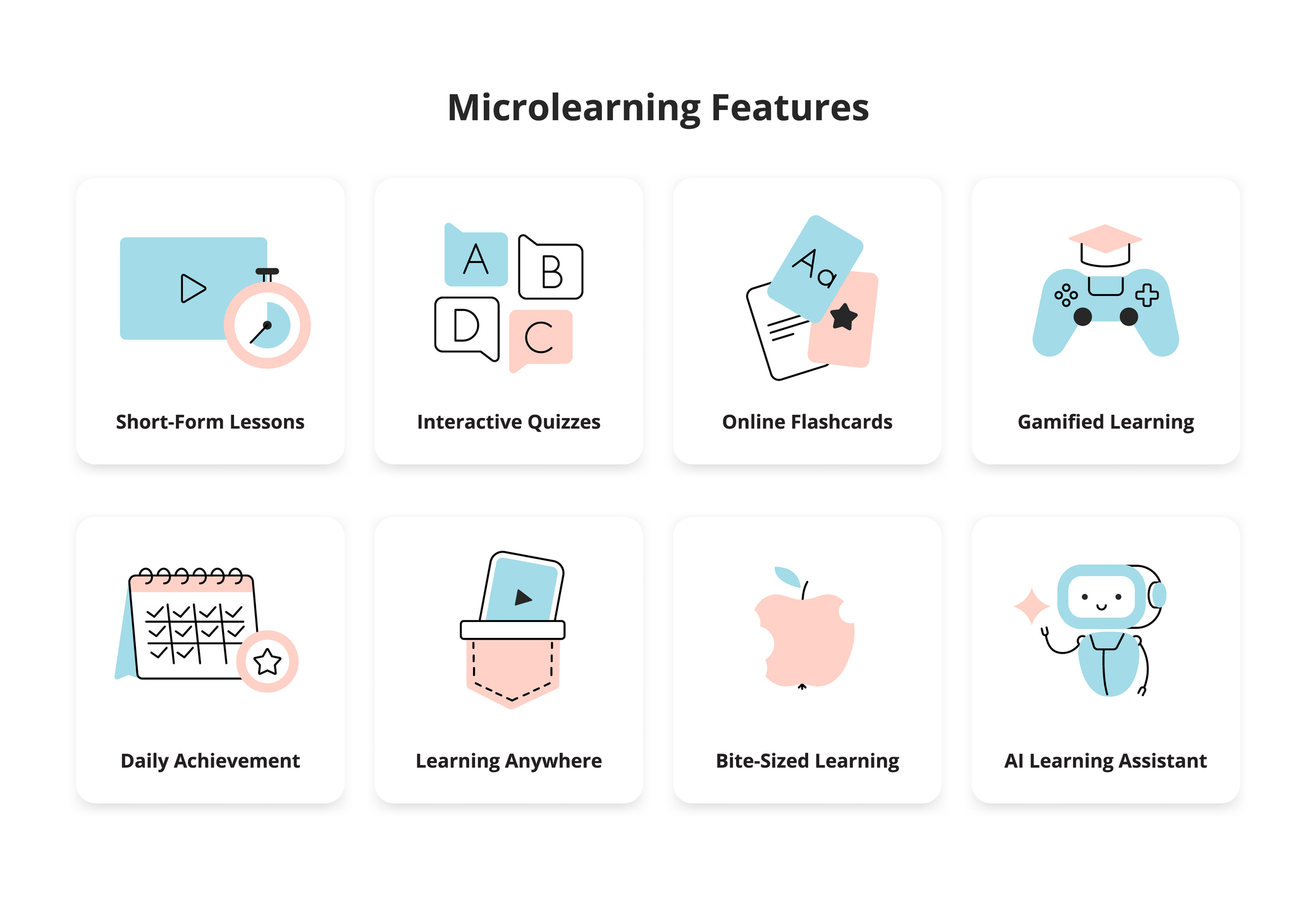
📱 2. Microlearning Is Winning

Long courses are losing attention. Bite sized learning is booming.

Five to ten minute lessons
Mobile first delivery
Designed for busy professionals and Gen Z learners

🧠 3. Skills Over Degrees

Employers now care more about what you can do than where you studied.

EdTech platforms are focusing on
Job ready skills
Real world projects
Skill validation via assessments

🎮 4. Gamification and Immersive Learning

Learning feels more like playing now.

XP points streaks leaderboards
Simulations and scenario based learning
AR and VR for hands on training

📊 5. Data Driven Education for Institutions

Institutions use analytics to track progress predict dropouts and improve outcomes.

Education is becoming measurable optimizable and scalable.

🌍 6. Global Remote and Inclusive by Default

EdTech is making world class education accessible everywhere.

Multilingual platforms
Low bandwidth learning
Affordable access

💡 Final Thought

EdTech in 2026 is redefining how humans learn grow and stay relevant.

Talk to an EdTech Expert