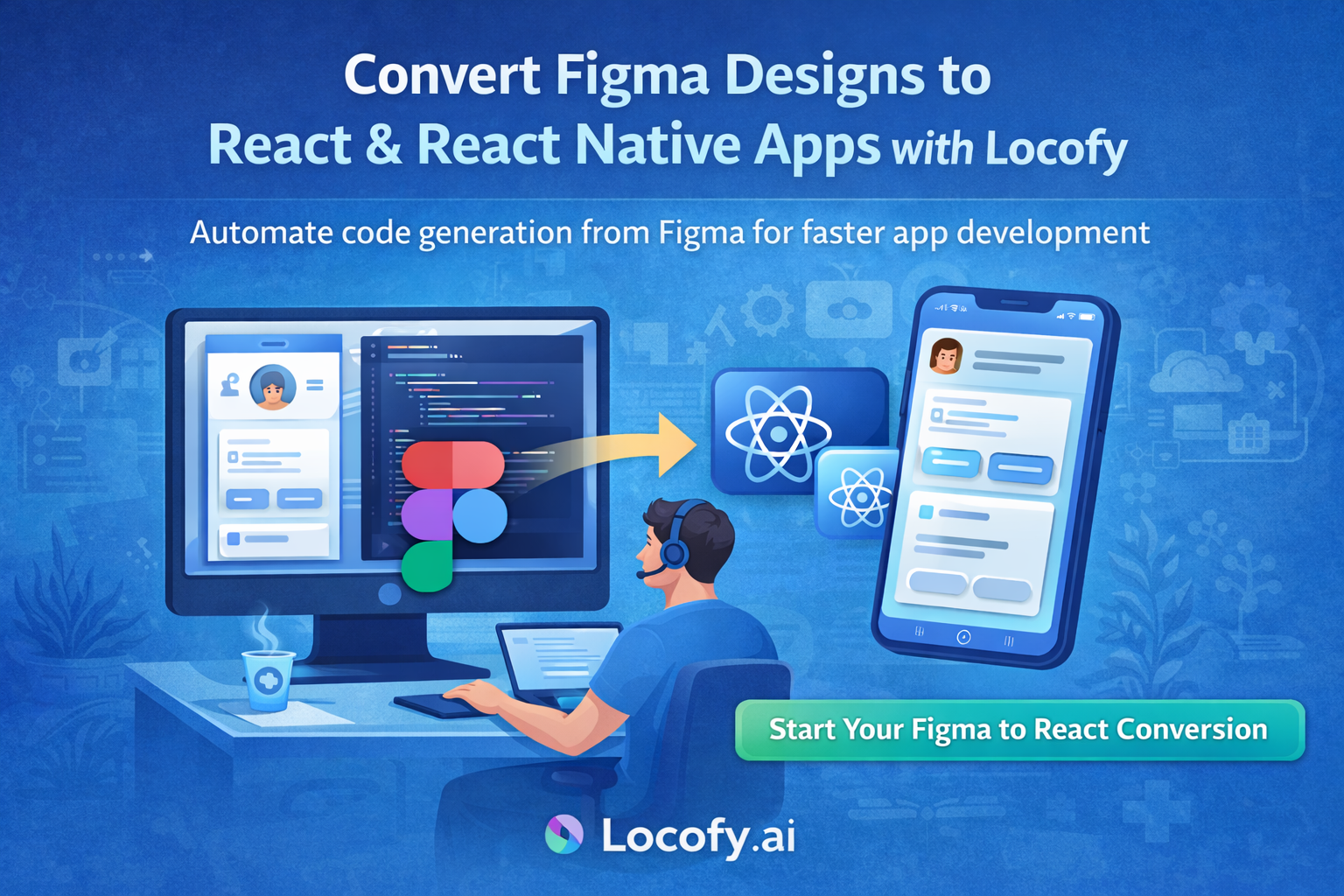
In modern web and mobile development, teams often struggle to bridge the gap between design and production code. Designers create beautiful interfaces in Figma, while developers spend days manually translating those designs into React or React Native components. This handoff slows down delivery and introduces inconsistencies.
This is where Locofy.ai comes in. Locofy helps teams convert Figma designs directly into clean, production ready React and React Native code, dramatically reducing development time.
Locofy.ai is an AI powered design to code platform that integrates directly with Figma. It understands layout structure, styling, responsiveness, and interactions, and converts designs into developer friendly frontend code.
With Locofy, designers and developers can collaborate more efficiently by turning UI designs into real components instead of static mockups.
Design your screens in Figma using best practices. Use auto layout, consistent spacing, reusable components, and clear layer names. Clean design structure leads to cleaner generated code.
Locofy analyzes your design hierarchy and maps elements to proper components.
Install the Locofy plugin inside Figma and connect it to your Locofy account. Select the frames you want to convert and open the plugin.
From here, you can configure how elements behave such as buttons, text inputs, navigation links, and reusable components.
Once configured, Locofy converts your Figma designs into live React or React Native code. You can preview the UI in real time and interact with it before exporting.
This allows teams to validate layouts, spacing, and responsiveness early.
Locofy generates structured and readable code that developers can actually work with.
You get reusable React or React Native components
Props support for dynamic data
Responsive layouts matching your design
Basic interaction wiring
Scalable folder structure
Developers can easily plug in business logic, APIs, and state management.
After conversion, you can export the code or sync it directly to GitHub. Developers can pull the project into VS Code and continue development just like a normal React or React Native app.
This removes friction between design and engineering teams.
Locofy reduces weeks of UI development into hours. Teams can focus more on features, logic, and performance instead of repetitive UI coding.
Whenever the design changes in Figma, you can regenerate updated code. This keeps design and development aligned throughout the project lifecycle.
Unlike basic UI exporters, Locofy generates component based code that is readable, maintainable, and scalable for real world applications.
Locofy works well for startups building MVPs as well as enterprise teams building large scale React and React Native applications.
Use auto layout consistently in Figma
Name layers and components clearly
Reuse components instead of duplicating designs
Define interactions such as buttons and inputs
Keep spacing and typography consistent
Following these practices improves code quality and reduces manual cleanup.
Locofy.ai bridges the long standing gap between design and development. By converting Figma designs directly into React and React Native code, it helps teams build faster, reduce errors, and maintain design accuracy.
If your team wants to ship products faster without sacrificing UI quality, Locofy is a powerful addition to your workflow.